Hardware Security Module
In this lab because of lack of budged so i will only do 1 HSM in a cluster :)). I will do Manage the private keys of an issuing certificate authority (CA) locally. In process -> Encrypt and decrypt data with multiple cryptographic SDKs. JCE examples
Information
1. Create HSM resource
 #create cluster
 resource "aws_cloudhsm_v2_cluster" "cloudhsm_v2_cluster" {
   hsm_type   = "hsm1.medium"
   subnet_ids = module.vpc.private_subnets
   #security group cannot be define before create so it much manually config

   tags = {
     Name = "aws_cloudhsm_v2_cluster"
  }
 }

 output "cluster_id" {
   description = "CloudHSM V2 Cluster ID"
   value       = aws_cloudhsm_v2_cluster.cloudhsm_v2_cluster.cluster_id
 }
2. Create HSM user
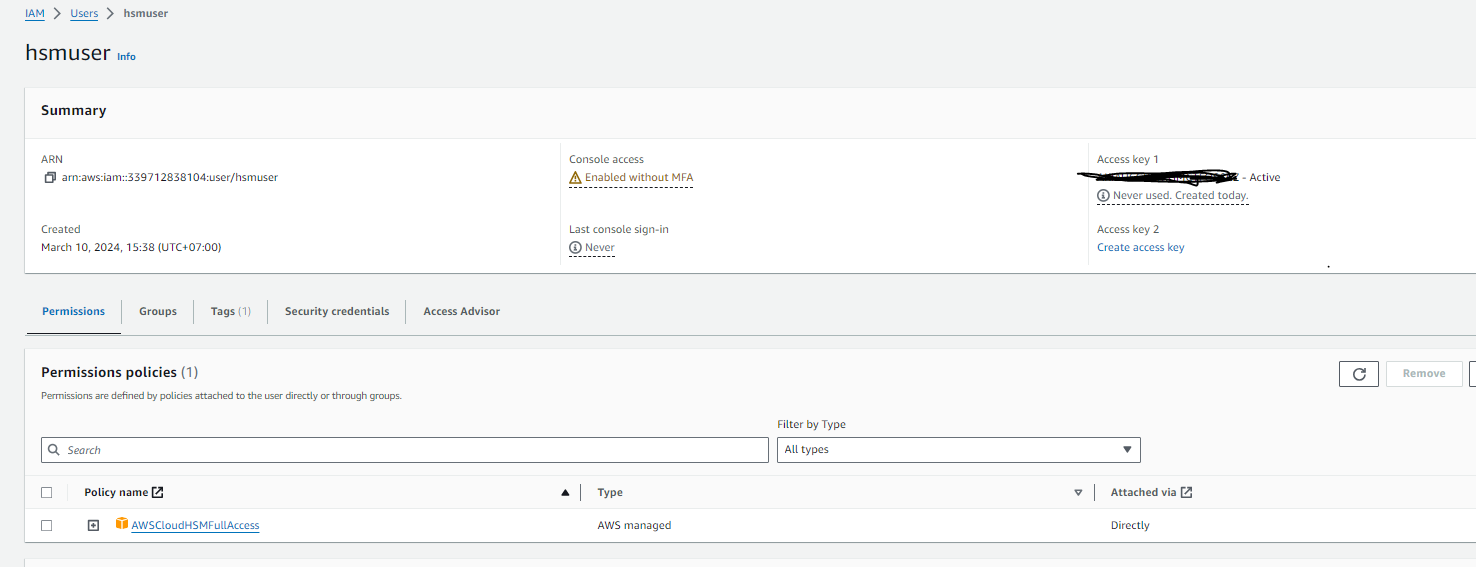
- Create “hsmuser” to manage HSM cluster with HSM full privilege and AWS CLI control privilege for testing purpose
3. Initialize HSM cluster
- To initialize the cluster, you must first create an HSM in the cluster
 #Create 1 hsm in subnet (10.0.1.0/24)
 resource "aws_cloudhsm_v2_hsm" "cloudhsm_v2_hsm" {
   subnet_id  = module.vpc.private_subnets[0]
   cluster_id = aws_cloudhsm_v2_cluster.cloudhsm_v2_cluster.cluster_id

 }

 output "hsm_id" {
   description = "CloudHSM V2 HSM ID"
   value       = aws_cloudhsm_v2_hsm.cloudhsm_v2_hsm.id
 }
4. Download Cluster CSR
- SSH to bastion instance -> from bation instance type “aws configure” sign in using “hsmuser” credential and access key
- After that download Cluster CSR using AWS CLI command
export HSM_CLUSTER_ID=...

aws cloudhsmv2 describe-clusters \
--filters clusterIds=$HSM_CLUSTER_ID \
--output text --query 'Clusters[].Certificates.ClusterCsr' > myClusterCsr.csr
 5. Create key, certificate & sign the CSR
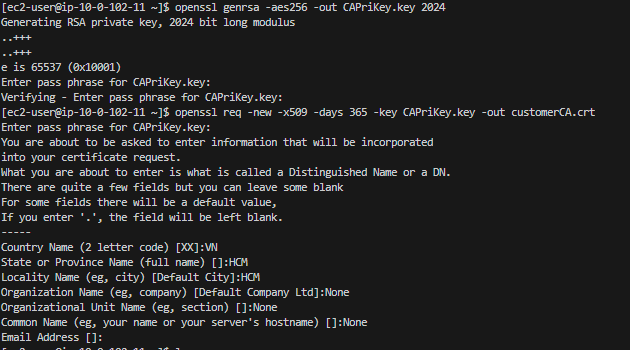
- Create a private key locally
- From the created Pri key, create a CA certificate
openssl genrsa -aes256 -out CAPriKey.key 2024
openssl req -new -x509 -days 365 -key CAPriKey.key -out customerCA.crt
- Sign the CSR. Input is the downloaded HSM cluster CSR
openssl x509 -req -days 365 -in myClusterCsr.csr -CA customerCA.crt -CAkey CAPriKey.key -CAcreateserial -out CustomerHsmCert.crt
 6. Upload certificates to cluster
aws cloudhsmv2 initialize-cluster --cluster-id $HSM_CLUSTER_ID --signed-cert file://CustomerHsmCert.crt --trust-anchor file://customerCA.crt


7. Active the HSM cluster
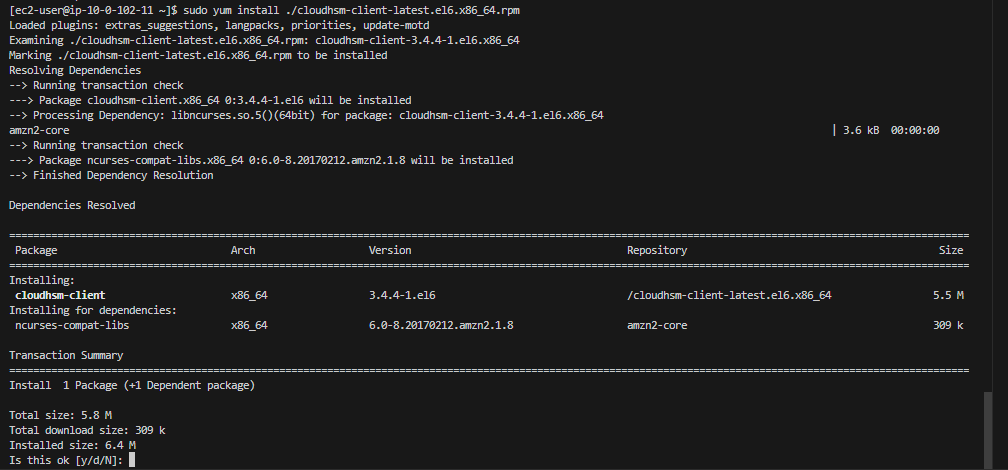
- Download and install HSM client
wget https://s3.amazonaws.com/cloudhsmv2-software/CloudHsmClient/EL6/cloudhsm-client-latest.el6.x86_64.rpm

sudo yum install ./cloudhsm-client-latest.el6.x86_64.rpm

- Edit client configuration by updating the HSM’s IP address
sudo cp customerCA.crt /opt/cloudhsm/etc/customerCA.crt
sudo /opt/cloudhsm/bin/configure -a HSM_IP

8. Login to the HSM cluster
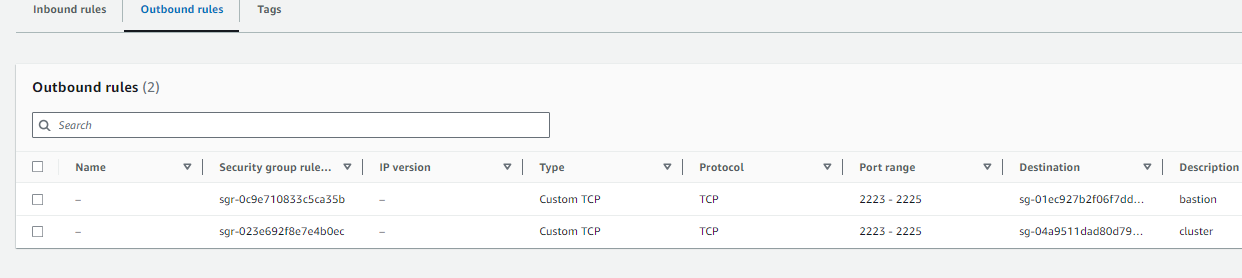
- Configure cloudhsm security group inbound and outbounf allow ec2 bastion/cluster from port 2225

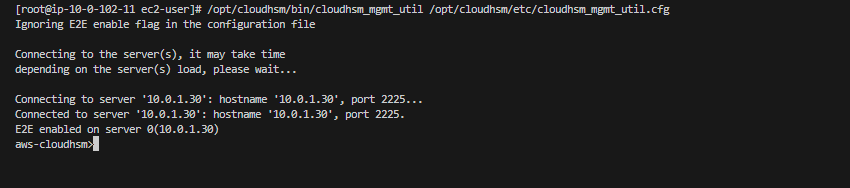
- Start the CloudHSM Mgmt Utility (CMU) CLI
/opt/cloudhsm/bin/cloudhsm_mgmt_util /opt/cloudhsm/etc/cloudhsm_mgmt_util.cfg
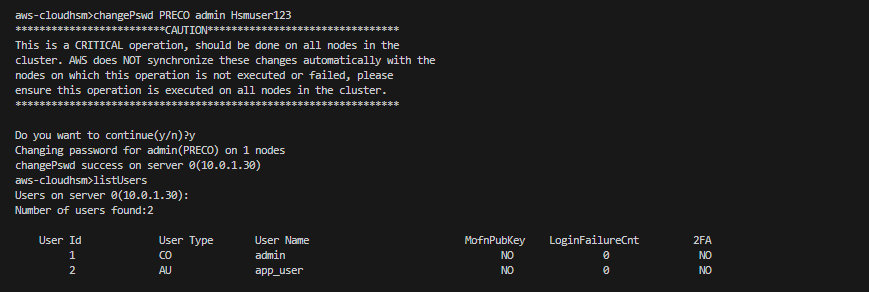
- Login into HSM with PRECO user and change password
loginHSM PRECO admin password
listUsers
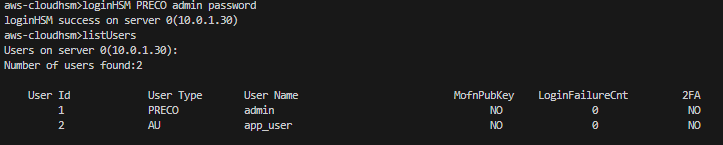
- Change password -> now admin type changed from PRECO to CO